
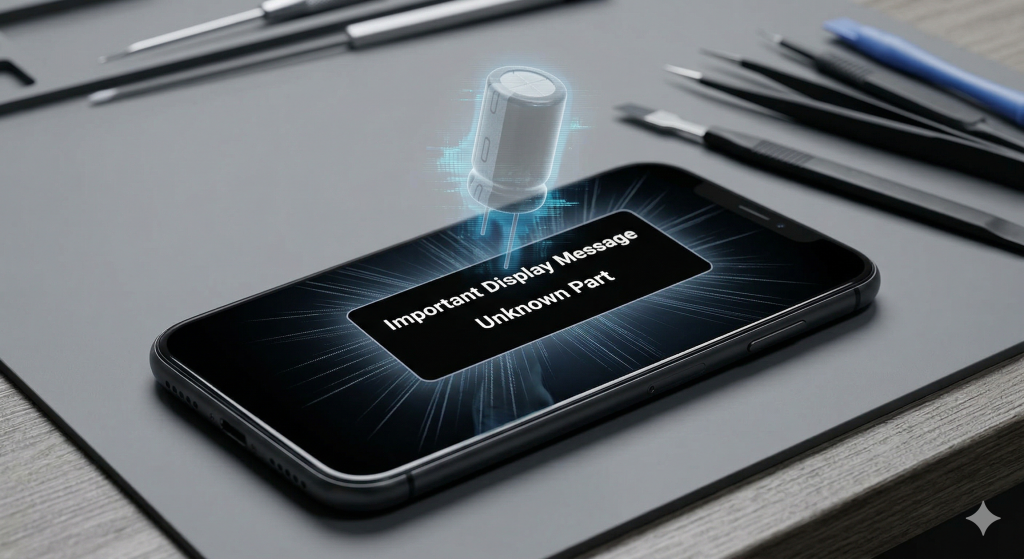
It is a moment every smartphone owner dreads: you pick up your freshly “fixed” device, only to find a persistent notification in your settings menu. The “Unknown Part” message—often referred to by technicians as the “ghost in the machine”—is more than just a nuisance. It is a digital flare sent up by your phone’s operating system, signaling that the new component isn’t communicating correctly with the motherboard. As we navigate the complex hardware landscape of 2026, understanding why these Unknown Part warnings appear is the first step in ensuring your tech remains a reliable tool rather than a liability.
Section 1: The Digital Handshake
Modern smartphones are no longer just a collection of interchangeable parts; they are highly integrated ecosystems. When a component like a screen, battery, or camera is replaced, the phone’s processor performs a “digital handshake.” This involves verifying a unique serial number hard-coded into the part against the original records stored in the logic board.
If you opt for a non-certified repair where a generic, low-quality part is used, that handshake fails. This is often what triggers the notification. While the phone may appear to function on the surface, the system remains “suspicious” of the new hardware, leading to those lingering Unknown Part warnings. To see the standard of components used in high-quality fixes, you can browse our photo gallery to see professional-grade results.
Section 2: Beyond the Notification: Functional Risks
Many users wonder if they can simply ignore the warning. While the message itself is annoying, the underlying issues can be much more disruptive to your daily life.
Loss of Specialized Features
When a non-certified screen is installed, features like True Tone, auto-brightness, or even biometric security (FaceID/TouchID) can be permanently disabled. The phone “locks out” these features because it cannot verify the security integrity of the new part.
Battery Calibration Issues
If the warning pertains to the battery, you may lose the ability to see your “Battery Health” percentage. Without this data, your phone cannot properly manage power cycles, which often leads to unexpected shutdowns or throttling of your processor’s speed. Before committing to a cheap fix, it is always wise to check a transparent pricelist to understand the value of doing it right the first time.
Section 3: Protecting Your Investment and Resale Value
A smartphone is a significant financial asset. The presence of Unknown Part warnings acts as a red flag for future buyers or trade-in programs. Most professional resellers will heavily discount a device—or refuse it entirely—if the settings menu shows “Important Display Message” or “Unknown Part.”
To avoid this, you should always seek out professional repair services that use serialized, high-quality components designed to pass the system’s verification checks. If you find that a previous “budget” repair has left your phone with these digital scars, it might be time to look into device sales to upgrade to a unit that hasn’t been compromised by uncertified labor.
Section 4: Conclusion and Final Thoughts
The “Unknown Part” warning is your phone’s way of protecting itself—and you—from substandard hardware that could compromise your security or user experience. While the allure of a cheap, “no-questions-asked” repair is strong, the long-term cost to your device’s functionality and resale value is far higher.
Don’t let a “ghost” haunt your hardware. By choosing certified standards and transparent technicians, you ensure that your digital life remains seamless and your device remains whole. If you are currently dealing with a warning message or need a reliable fix, contact us today to get your device back to peak performance.
FAQs
Can an “Unknown Part” warning be removed?
Once triggered by a non-certified part, the warning usually stays in your settings for a set period and on your lock screen for several days. The only permanent “fix” is to have a certified technician install a verified component that the system can authenticate.
Does this warning mean my phone is going to break?
Not necessarily, but it does mean certain features may be disabled, and the quality of the part is unverified. This could lead to faster battery drain or less responsive touch-sensitivity over time.
Is this only an issue for iPhones?
While Apple is most famous for these messages, many Android manufacturers have begun implementing similar hardware verification to ensure the safety and quality of replacement parts.
Disclaimer: This article provides informational insights into manufacturer hardware policies and repair standards. It is not intended as a substitute for professional technical diagnostics. Always consult with a qualified technician for hardware issues.
