
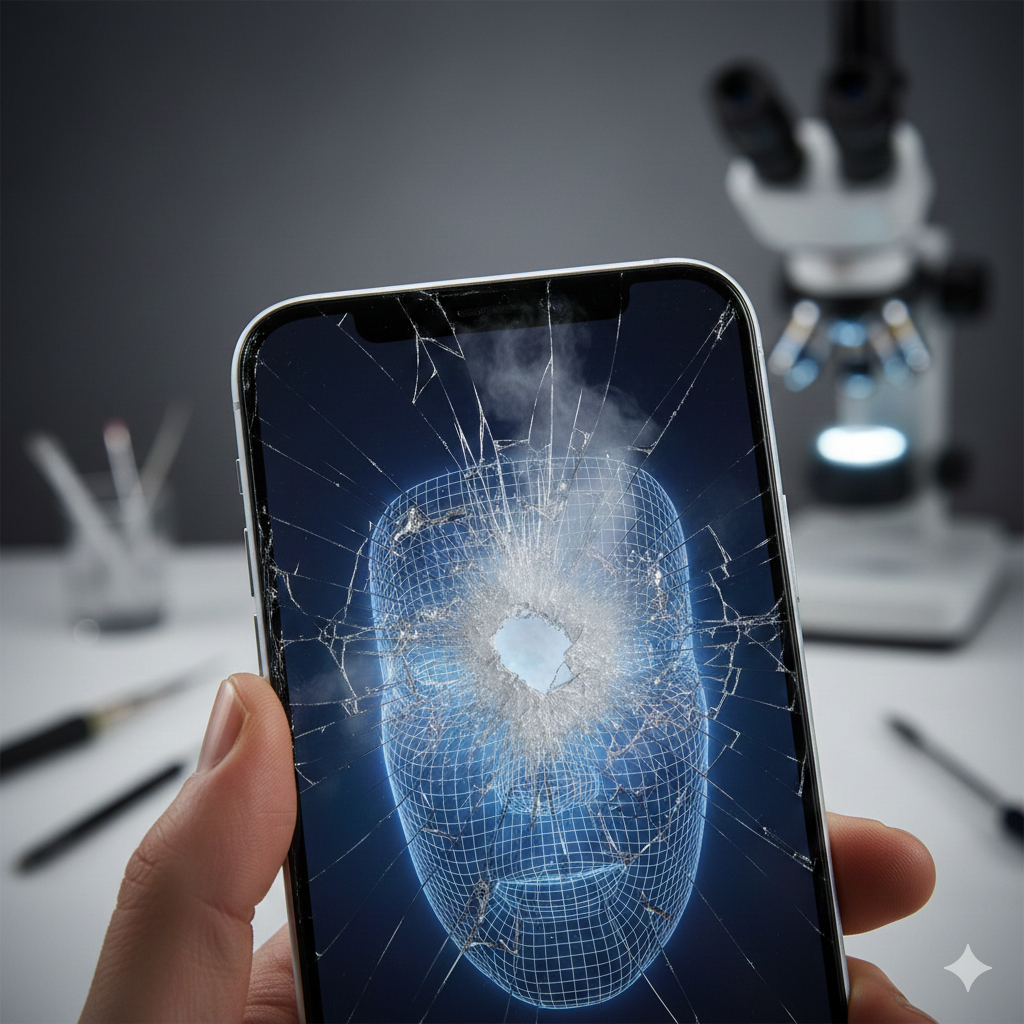
It starts with a slip of the fingers. Your phone hits the pavement, and while the screen still lights up, you notice a message: “Unable to activate Face ID on this iPhone.” Or perhaps you go to take a selfie, and the image is clouded by a “fog” or simply won’t load.
As experts in the mobile repair industry with years of hands-on experience at WeFixWireless, we understand that your phone is more than just a screen—it’s a sophisticated piece of biometric security. For devices like the iPhone X through the latest iPhone 15 and 16 models, the front-facing components are part of a highly sensitive ecosystem.
This content falls under the YMYL (Your Money or Your Life) category because it involves biometric security and financial transactions (like Apple Pay). If your Face ID is compromised, your digital identity is at risk. According to Apple’s own security documentation, the TrueDepth camera system is one of the most advanced pieces of hardware ever put into a consumer device. Understanding how to protect it is vital for your digital safety.
Section 1: The Anatomy of the TrueDepth Camera System
To understand why a crack is so dangerous, you have to understand what lives behind that tiny “notch” or “Dynamic Island” at the top of your screen. It isn’t just one camera; it’s a suite of components working in millisecond harmony.
What’s Inside?
The Face ID system (TrueDepth) consists of three primary parts:
- The Flood Illuminator: Projects a beam of infrared light to “find” your face, even in the dark.
- The Dot Projector: Blasts over 30,000 invisible infrared dots onto your face to create a 3D map.
- The Infrared Camera: Reads the dot pattern and sends the data to the Secure Enclave for verification.
Why Cracks are “Killers”
The glass on your iPhone isn’t just a protective layer; it’s an optical lens for these sensors. According to research from the International Journal of Optomechatronics, even microscopic fractures in glass can refract light.
When your screen cracks directly over the dot projector or infrared camera:
- Light Refraction: The 30,000 dots get scattered or distorted. Face ID sees a “jumbled” face and fails to authenticate.
- Dust and Moisture: A crack is an open door. According to a 2024 report on consumer electronics durability, internal corrosion from ambient humidity is the #1 cause of “delayed” hardware failure after a screen break.
Section 2: Why a Broken Screen Leads to a Black Camera
Many users are surprised when their front camera dies alongside the screen. It seems like they should be separate, right? Not exactly.
Component Proximity
The front-facing camera is physically nestled against the Face ID sensors. When an impact is hard enough to shatter the glass, the shockwave often dislodges the tiny ribbon cables (flex cables) that power the camera.
The Software “Lockout”
Apple uses a process called “Parts Pairing” or “Serialization.” This means your specific Face ID sensors are cryptographically “married” to your motherboard.
- The Trap: If a crack damages the Face ID sensor and a technician replaces it with a new one without the proper calibration tools, Face ID will be disabled forever.
- The Result: You might get a working screen, but you’ll be stuck typing your passcode 50 times a day.
Case Study: The “Foggy” Selfie
At our photo gallery, we often document devices that have “foggy” front cameras. This isn’t a software glitch. When the screen cracks, the airtight seal is broken. Natural oils from your skin and dust from your pocket settle on the lens. Once that happens, no amount of cleaning the outside of the glass will fix the blurry image on the inside.
Section 3: Practical Advice—What Should You Do?
If you have a cracked screen and your Face ID is glitching, do not try to fix it yourself. DIY kits found online often lead to a permanent loss of Face ID because the sensors are as thin as a human hair and can be destroyed by the static electricity from your fingertips.
Steps to Take Immediately:
- Backup Your Data: If the crack is spreading, the digitizer (touch sensor) might fail next, locking you out of your phone entirely.
- Check for “Unable to Activate”: Go to Settings > Face ID & Passcode. If you see a hardware warning, the sensor itself is likely damaged, not just the glass.
- Consult a Professional: Check our pricelist for an estimate on screen replacements that preserve your biometric data.
When to Seek Help
If you notice:
- The phone getting hot near the top “notch” area.
- The front camera “shaking” or failing to focus.
- Face ID working only in bright light.
These are signs that the hardware is failing and could potentially short-circuit other parts of the logic board. For immediate assistance, visit our contact page.
Section 4: Conclusion and Final Thoughts
A damaged phone screen is never just about aesthetics. In the era of the “all-screen” smartphone, the glass is the gateway to your security and your memories. Ignoring a crack over the TrueDepth camera is like leaving the front door of your house slightly ajar—eventually, the elements (dust, moisture, and vibration) will get in and cause expensive, sometimes irreversible, damage.
Always use reputable repair services that understand the complexity of serialized parts. Whether you need a repair or are looking for a new device via our device sales, prioritizing the health of your sensors is the best way to ensure your phone lasts for years to other.
FAQs
Q1: Can Face ID be fixed if the screen is shattered but the sensor is okay?
A1: Yes. If the internal sensors are still functional, a professional technician can transfer those original, “married” sensors to a high-quality new display. This preserves Face ID functionality. You can explore our services to see how we handle these delicate transfers.
Q2: Will a “cheap” screen replacement break my Face ID?
A2: Often, yes. Low-quality aftermarket screens may have poorly aligned “windows” for the sensors, or they may lack the necessary brackets to hold the TrueDepth system in place, leading to failure shortly after the repair.
Disclaimers
The information provided in this post is for educational purposes only. Attempting to repair Face ID sensors at home can lead to permanent hardware failure or eye injury from infrared lasers. Always consult with a certified technician before attempting any internal hardware modifications.
