
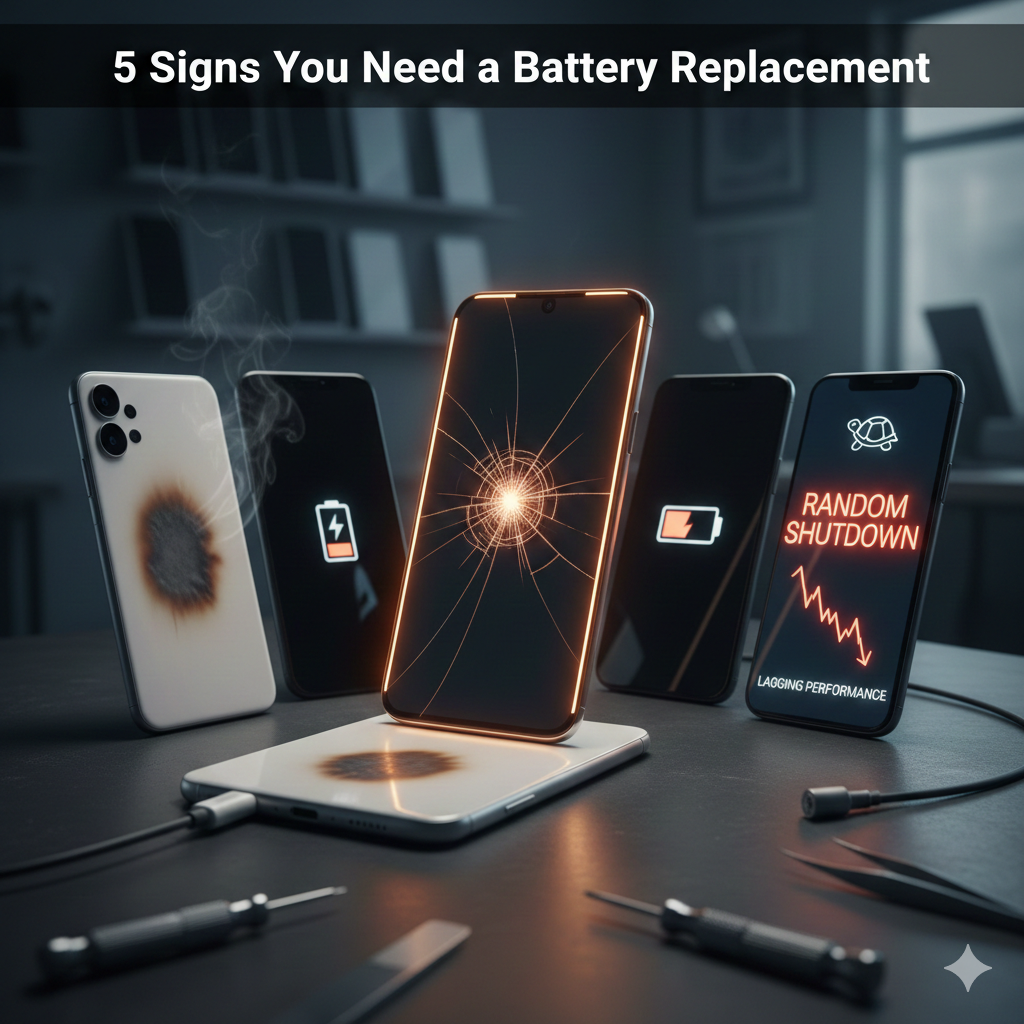
We’ve all been there: you leave the house with 100% charge, and by lunchtime, you’re frantically hunting for a wall outlet. It’s frustrating, but most people treat a fast-draining battery as a minor annoyance—something they can fix with a portable power bank.
However, as tech experts at We Fix Wireless, we’ve seen thousands of devices where a “bad battery” turned into a “shattered screen” or a “dead motherboard” almost overnight. According to a 2025 technical analysis by the National Institutes of Health (NIH), the battery is often the first component to fail in a smartphone, and delaying a replacement doesn’t just cost you time—it puts your entire device at risk.
This guide falls under YMYL (Your Money Your Life) because a failing lithium-ion battery is a potential fire hazard. Ignoring the warning signs can lead to physical injury or significant financial loss. Today, I’ll walk you through the five red flags that mean your battery is at the end of its life and why acting now saves your screen.
Section 1: The Science of Why Batteries Fail
Provide a clear, accurate overview of the topic.
Smartphone batteries are like car tires: they are “consumables” designed to wear out. Most modern devices use Lithium-ion (Li-ion) technology. These batteries don’t die because of one bad habit; they die because of Chemical Ageing.
Charge Cycles vs. Calendar Age
A battery’s life is measured in “cycles.” One cycle is used when you discharge 100% of your battery’s capacity. Most manufacturers, including Apple and Samsung, design batteries to retain about 80% of their original capacity after 500 to 800 full charge cycles. For the average user, this milestone is reached in about 18 to 24 months.
Why Heat is the Silent Killer
Data from the Federal Trade Commission (FTC) and various consumer safety reports highlight that exposing a phone to temperatures above 35°C (95°F) can permanently damage battery capacity. When the internal chemistry degrades, it creates resistance. This resistance generates more heat, creating a “thermal runaway” loop that can eventually lead to the battery expanding—which brings us to the most dangerous symptom.
Section 2: 5 Signs You Need a Battery Replacement NOW
Break the topic down into digestible sub-sections.
1. The “Puffy” Phone (Swollen Battery)
This is the most critical sign. If you notice your screen is lifting away from the frame or there’s a slight “bulge” in the back of your phone, stop using it immediately. * The Risk: As Li-ion batteries age or fail, they can outgas. Since the phone is sealed, that gas has nowhere to go, so the battery swells like a pillow.
- The Screen Damage: Your screen is made of glass and delicate LCD/OLED layers. A swelling battery applies massive upward pressure. If you don’t visit our services page for a replacement, that pressure will eventually crack your screen from the inside out.
2. Random Shutdowns
Does your phone die when the indicator says 20% or 30%? This happens because the degraded battery can no longer provide the “peak power” required by the processor. When the CPU asks for a burst of energy to open a heavy app (like Instagram or a game) and the battery can’t deliver, the system shuts down to protect itself.
3. Your Phone Only Works While Plugged In
If your device becomes a “landline”—meaning it shuts off the moment you unplug the charging cable—the battery cells are effectively dead. At this stage, the battery is acting as a mere bridge for electricity rather than a storage unit. You can check our pricelist to see how much more affordable a battery swap is compared to a new phone.
4. Extreme Overheating During Use
It’s normal for a phone to get warm during gaming. It is not normal for it to feel hot to the touch while you are just scrolling through texts. Excessive heat is a sign of internal resistance and chemical instability.
5. Sluggish Performance (Throttling)
Both iOS and Android have “Power Management” features. When the OS detects a failing battery, it intentionally slows down the processor to prevent random shutdowns. If your phone feels laggy or “stuttery,” it might not be the software—it’s the battery.
Expert Insight: According toApple Support, if your iPhone’s “Maximum Capacity” (found in Settings > Battery > Battery Health) is below 80%, the device is officially in a degraded state and requires service.
Section 3: Practical Advice & DIY Checks
Provide actionable, specific advice.
Before you rush to buy a new device from our device sales gallery, try these diagnostic steps:
How to Check Battery Health (2025 Guide)
- For iPhone: Go to Settings > Battery > Battery Health & Charging. Look for the “Maximum Capacity” percentage.
- For Android: Android doesn’t always show a percentage. Go to Settings > Battery > Battery Usage to see if any specific app is the culprit. Alternatively, download a trusted app like AccuBattery and let it run for 24 hours to get an estimate of your “Health” percentage.
Prevention Tips
- The 20-80 Rule: To maximize longevity, try to keep your battery between 20% and 80%. Charging to 100% and leaving it overnight stresses the cells.
- Avoid Cheap Cables: Uncertified cables can cause “over-voltage” which fries the battery’s control chip.
- Stay Cool: Never leave your phone on a car dashboard in the sun.
Professional Disclaimer: If you suspect your battery is swollen, do not attempt to “press” the screen back down. This can puncture the battery and cause a fire. Seek professional repair at a certified location like We Fix Wireless.
Section 4: Conclusion & Final Thoughts
Your phone’s battery is the heart of the device. When it fails, it doesn’t just make your life inconvenient; it can physically destroy the expensive display or even pose a safety risk. Replacing a battery is a routine, 30-minute repair that can add 2+ years of life to your current phone.
Don’t wait until your screen starts to warp or your phone dies during an important call. Take a look at our photo gallery to see the precision we take with every repair.
Summary Checklist:
- Check your health percentage (replace if <80%).
- Look for screen lifting or case bulging.
- Monitor for “skips” in battery percentage (e.g., jumping from 40% to 10%).
FAQs
Q1: Is it worth replacing the battery or should I just buy a new phone?
A1: If your phone is less than 4 years old, a battery replacement is almost always the better financial choice. A professional replacement costs a fraction of a new $1,000 smartphone and restores “like-new” performance.
Q2: Can I replace my own battery?
A2: Modern phones use heavy adhesives and delicate ribbon cables. Unless you have professional tools and experience, we don’t recommend it. Puncturing a battery during a DIY repair can lead to a fire that is difficult to extinguish.
Disclaimers
The information provided in this post is for educational purposes only. Lithium-ion batteries are volatile. If your device is overheating or smoking, move it to a non-flammable surface and contact emergency services or a professional repair technician immediately.
