
Have you ever noticed your bars drop to a lonely single line the moment you snap on that “indestructible” military-grade case? Or maybe you’ve dropped your phone, and even though the screen didn’t crack, your data has been sluggish ever since. You aren’t imagining things. There is a persistent 5G antenna shielding myth suggesting that software bugs or carrier towers are always to blame for poor reception. In reality, the physical environment of your phone—specifically the integrity of its frame and the materials surrounding it—plays a massive role in how those high-frequency waves reach the internal hardware.
Section 1: Understanding the 5G Antenna Shielding Myth
The transition from 4G to 5G wasn’t just a speed upgrade; it was a fundamental shift in how radio waves behave. 5G, particularly Millimeter Wave (mmWave), uses incredibly high frequencies. While these frequencies carry massive amounts of data, they are notoriously fragile. They can be blocked by a hand, a wall, or even a poorly designed accessory.
The 5G antenna shielding myth thrives on the idea that these signals are robust enough to penetrate anything. People often assume that as long as the “bars” are showing, the hardware is fine. However, modern smartphones use the metal frame itself as part of the antenna system. When you introduce a barrier or alter the shape of that frame, you aren’t just “muffling” the signal; you are physically detuning the antenna’s ability to resonate at the correct frequency.
Section 2: Why Your Case and Frame Matter More Than You Think
It’s easy to blame your service provider when TikTok starts buffering, but the culprit is often sitting right in your palm.
The Problem with “Heavy Duty” Cases
Many third-party cases use thick polymers, carbon fiber, or even metallic decorative elements. While these provide excellent drop protection, they act as unintended “shields.” Carbon fiber, in particular, is conductive and can wreak havoc on 5G reception. If your case doesn’t have specific cutouts or RF-transparent windows where the antennas are located, you’re effectively putting your phone in a Faraday cage.
The “Invisible” Damage of a Bent Frame
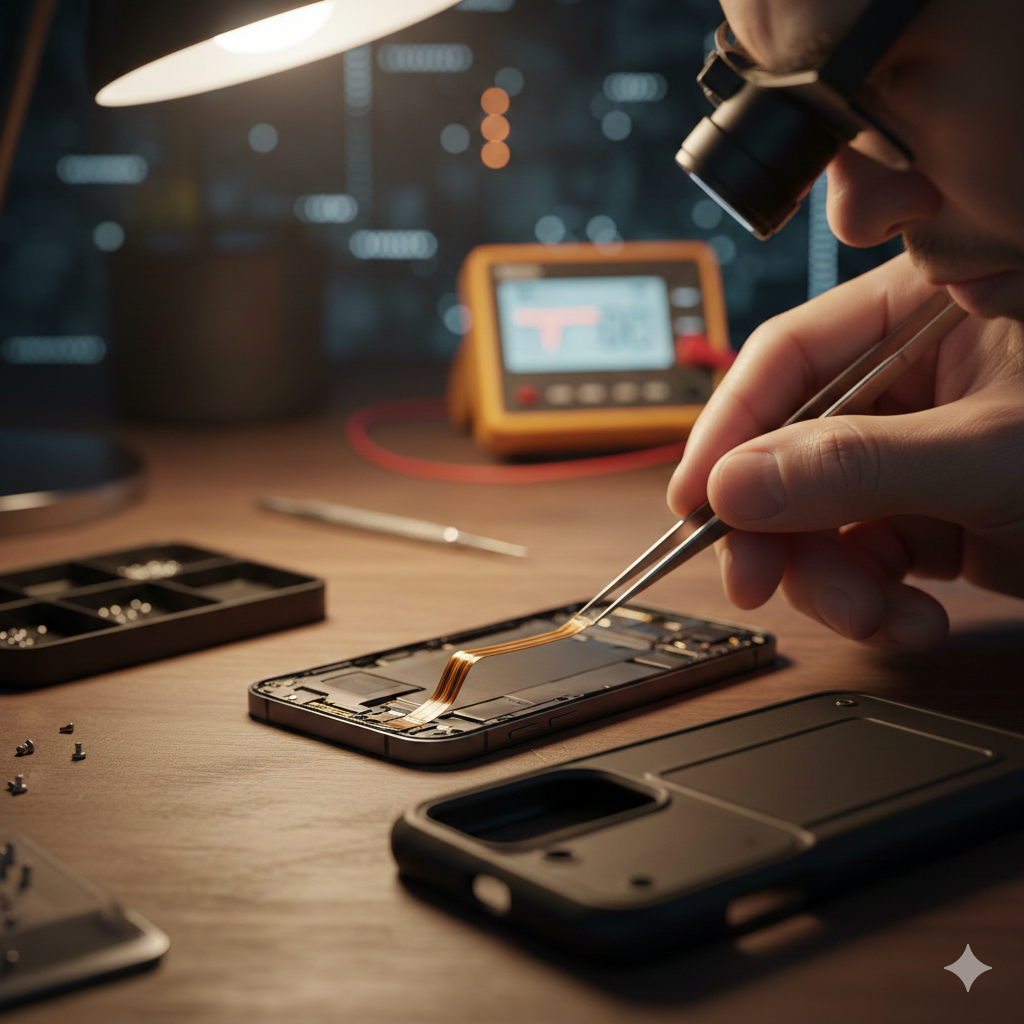
We see this constantly in our repair lab. A user sits on their phone or drops it, resulting in a slight, almost imperceptible curve in the chassis. You might think, “It’s just cosmetic,” but that bend can:
- Stress internal flex cables: The tiny ribbons connecting the antenna modules to the logic board can hairline-fracture.
- Displace Grounding Springs: Antennas rely on small pressure contacts against the frame. A bend moves these contacts, breaking the circuit.
- Alter Cavity Resonance: The physical space inside the phone is engineered to specific dimensions. Changing those dimensions by bending the frame changes how waves bounce inside, leading to signal interference.
If you suspect your hardware is struggling after a physical mishap, checking our full list of services can help you identify if a frame replacement or antenna reseating is necessary.
Section 3: Practical Advice to Restore Your Signal
Before you call your carrier to complain, try these real-world steps to determine if you’re a victim of physical shielding.
- The “Naked” Test: Remove your case entirely and test your data speeds using an app like Ookla. If your speeds jump significantly, your case is the problem.
- Inspect the “Seams”: Look at the plastic lines on the edge of your phone frame. These are antenna bands. Ensure they aren’t covered by stickers, grime, or metallic tape.
- Check for Frame Warping: Lay your phone face down on a flat glass surface. If it rocks back and forth, the frame is bent, and your internal antenna alignment is likely compromised.
- Professional Assessment: If the frame is visibly damaged, internal components may need realigning. You can view our pricing for common repairs to see how affordable a chassis correction can be compared to buying a new device. Sometimes, a simple internal cleaning and tightening of the antenna brackets can restore 100% of your signal.
For those looking to upgrade because their current device is too damaged to merit a repair, browsing a selection of certified pre-owned devices might be a more cost-effective route than struggling with a “dead” signal.
Section 4: Conclusion and Final Thoughts
The 5G antenna shielding myth leads many users to believe their phones are simply “getting old” or that 5G “just isn’t that good yet.” In many cases, the tech is fine—it’s the physical housing that’s failing. Whether it’s an overbuilt case or a frame that’s seen better days, the physical integrity of your device is the gateway to your digital life.
Be mindful of the accessories you choose and treat your phone’s frame as the precision scientific instrument it is. If you’re tired of dropped calls and “No Service” messages in areas where you should have 5G, it might be time to stop blaming the towers and start looking at the hardware.
FAQs
Q: Can a screen protector affect my signal?
Usually, no. Most screen protectors are glass or plastic, which are RF-transparent. However, some “privacy” filters with metallic coatings can cause slight interference if they wrap too far around the edges.
Q: Why does my signal get better when I hold the phone differently?
This is known as “death grip.” By touching specific antenna bands on the frame with your skin, you can actually change the antenna’s impedance. It’s a sign that the internal shielding or grounding might be slightly off.
Q: Is it worth fixing a bent frame?
Absolutely. Beyond signal issues, a bent frame puts constant pressure on the battery and the logic board, which can lead to a total device failure over time. You can see examples of restored frames in our photo gallery.
Disclaimer: This information is for educational purposes regarding smartphone hardware. If your device is overheating or showing signs of battery swelling alongside signal loss, please power it off immediately and seek professional repair to avoid safety risks.
